
 By the Panda Bao Review team · Updated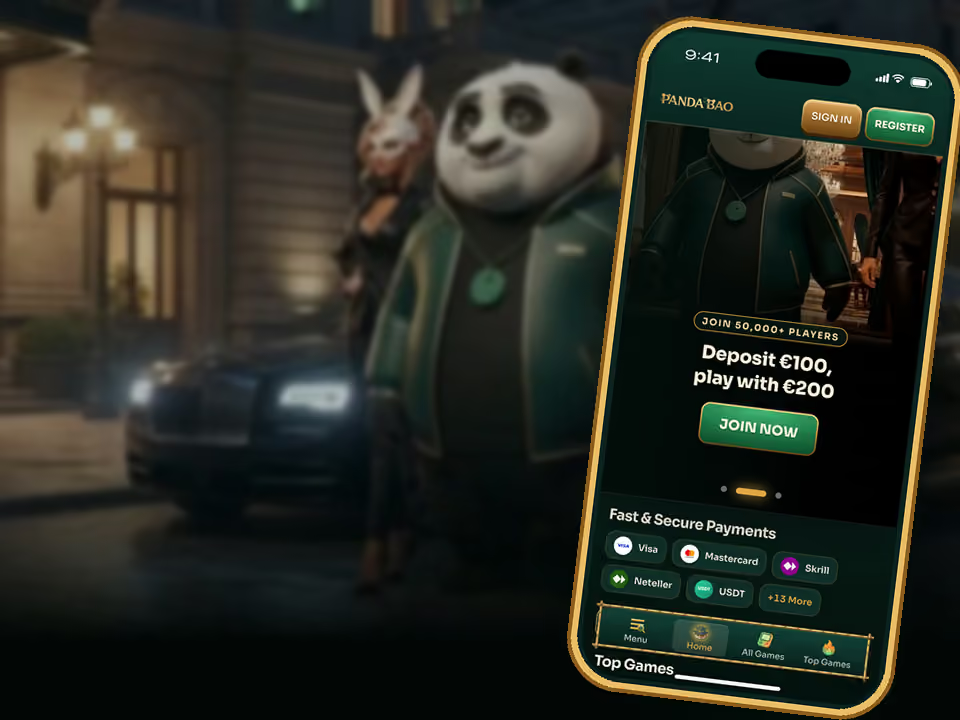
What you get
- Full-screen lobby with every game, the cashier and your account
- Push notifications for new offers and daily-key reminders
- App-only promotions
- Updates without reinstalling and almost no storage used
Install on iPhone (Safari)
- Open spinbao.com in Safari.
- Tap the Share button.
- Choose Add to Home Screen, then Add.
On iPhone, Safari is the browser that installs web apps. Chrome on iOS also offers Add to Home Screen in its share menu.
Install on Android (Chrome)
- Open spinbao.com in Chrome.
- Tap the install banner, or open the menu and choose Install app.
- Confirm, and the Panda Bao icon lands in your app drawer.
Install on Windows or Mac
- Open spinbao.com in Chrome.
- Click the install icon at the right edge of the address bar.
- Choose Install. On a Mac with Safari, use File, then Add to Dock.
Why a web app and not a store app
App stores restrict real-money casino apps in many countries. A web app avoids that, installs in seconds, never needs a manual update and works the same on every phone. Your account, balance and bonuses are the same as on the website.
Ready for your first envelope?
Sign up in under a minute, make your first deposit and get 100% up to €500 + 100 free spins.
18+. T&Cs apply.Questions, answered
Is the Panda Bao app free?
Yes. Installing it costs nothing and uses almost no storage.
Is there a Panda Bao app on the App Store or Google Play?
No. It installs from the website as a web app on iPhone, Android, Windows and Mac.
Can I claim bonuses in the app?
Yes. The app is the full casino, and it also gets app-only promotions.


